Here’s something that happens all the time. Someone books a video call with a client. They send the link. The person on the other end clicks it. Then the trouble starts. They need to download and install app. Then create an account first. By the time everyone gets connected, the actual conversation hasn’t even started and already the other person is annoyed.
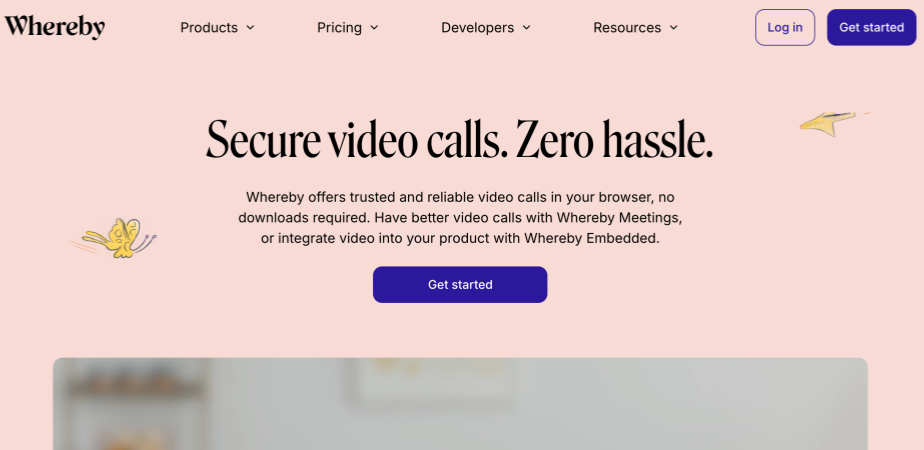
Whereby is different. It’s a video platform based in Norway. Built around one idea: let people talk without making them deal with all that other stuff. Their slogan is “Secure video calls. Zero hassle.” It sounds like typical marketing until you actually sit down and use it.
There are two products:
-
Whereby Meetings for regular people who just need to see and talk to coworkers or clients.
-
Whereby Embedded for developers who want to drop video into their own sites and apps.
Same technology underneath. Just packaged for different needs.
What Makes Whereby Different
☺️It Actually Works in a Browser
Most tools have a web option, sure. But they push downloads hard. You know the message. “For the best experience, download our desktop app.” Whereby flips that. The browser is not the backup. It’s the main thing.
Create a meeting and you get a link to a Whereby room. Send it to someone. They click it. Give the browser permission to use the camera. That’s it. No installers, plugins or account creation pages.
If you deal with clients or outside people a lot, this matters. You’re not asking them to put random software on their work machine. You’re not guiding them through installation steps while they get frustrated. Click. Allow camera. Call starts.
😄Rooms Don’t Go Away
Most meeting apps make a new ID every single time you schedule something. New link, password and calendar invite. Easy to lose track. Easy to send the wrong one. Whereby rooms do it different. Make a room once and it’s yours. Doesn’t expire. Your team gets one link that works for the morning check-in, the weekly meeting, the random Tuesday afternoon thing when someone just has a quick question.
Someone wants to hop on and video chat? They don’t wait for you to send a fresh link. They just go to the room and see if you’re there. Like a real office.
😋Chat and the Basic Stuff
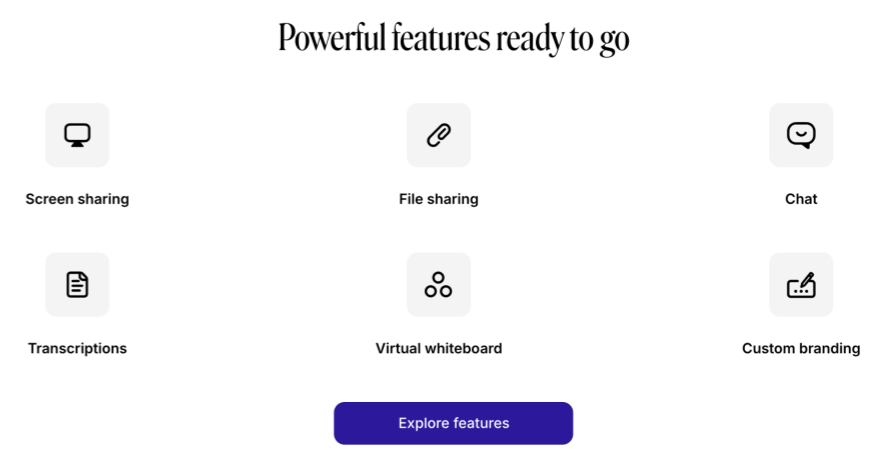
The Whereby chat sits right there next to the video. People drop links in it. Write quick notes. Ask things without cutting off whoever’s talking. Files go straight in there too. Everything in one spot instead of scattered through five different emails.
Beyond chat you get screen sharing for showing stuff. A whiteboard that works fine for sketching ideas. File transfer that just works. Paid plans add automatic transcriptions. Those turn out useful when you need to remember who said what in a meeting three weeks later.
🥰Mobile Works Without the App
There is a Whereby app for phones. It exists. But here’s the thing. It’s optional. Someone hosting meetings from their phone might want it for the extra controls. Anyone just join a call? They don’t need it. They click the link and use their browser like always.
That matters because it keeps the promise. No downloads for guests. Ever. Unless they personally want the app for themselves.
😉Privacy That’s Actually Stated Clearly
The privacy stuff is worth mentioning because video tools have had some real problems in this area. Whereby states pretty clearly that they don’t store or analyze your video or audio. No listening in, no using your conversations to train AI models, none of that.
Rooms can be locked by hosts to keep unwanted people out. For healthcare or therapy work, the Embedded product offers HIPAA-compliant options. It’s not an afterthought, it’s built into how the platform works.
Getting Started Takes Two Minutes
Signing up at Whereby com gets you a free account with a room ready to go. The process:
-
Pick your subdomain—something easy to remember
-
Share the link with whoever needs to join
-
They click it, allow the camera and mic, and they’re in
-
Start talking
That’s genuinely the whole setup. No training, no IT involvement, no frustrated emails from people who can’t figure out how to join.
Who Actually Uses Whereby?
-
Remote teams use Whereby because having one permanent room means no more “what’s the link?” messages in Slack every morning. Everyone knows where to go.
-
Sales and client-facing people use it because sending a client a link that requires nothing on their end makes you look professional and considerate of their time.
-
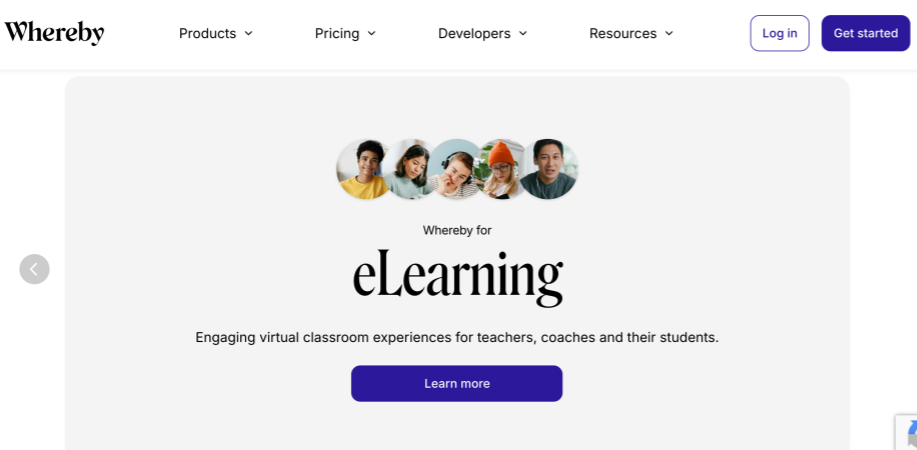
Teachers and tutors use it because students and parents shouldn’t need to be tech support for their own lessons. The whiteboard and screen sharing make actual teaching possible.
-
Therapists and coaches use it because privacy actually matters in their line of work. Having conversations that aren’t being recorded or analyzed is kind of the whole point.
-
Companies building products use Whereby Embedded to add video to their own stuff. A telemedicine platform where patients see their provider right there on the site, without ever leaving—that’s what Embedded enables.
Real Talk About Limitations
No tool does everything. Whereby is great at what it’s for, but it’s worth knowing where it stops.
-
The free version cuts group meetings at 45 minutes. Fine for most quick calls, but if your team likes to talk, you’ll hit that wall. Recording and custom branding need paid plans.
-
Whereby isn’t built for massive webinars. If you’re running a conference for 1000 people, this isn’t your tool. It’s for the day-to-day meetings that make up most of actual work.
-
Browser-based means it depends on browsers. Modern ones work fine. If someone’s on an ancient setup with no updates since 2015, they might have trouble.
Summary
There are plenty of video tools out there. Most of them make people jump through hoops. Whereby took a different path—remove every possible barrier between you and the person you’re trying to talk to. No downloads for guests. Permanent rooms that are always ready. Privacy that’s respected. It’s not trying to be everything to everyone. It’s trying to be simple, and it succeeds at that. If you’re tired of walking people through installations or hunting for meeting links, it’s worth a look. Head to Whereby com, grab your free room, and see how video calls work when someone finally removes the friction.
FAQs
Q: Do people really not need to download anything to join my meeting?
Correct. Anyone with the link can Whereby join room right from their browser—computer, phone, tablet, whatever. No downloads, no accounts. The Whereby app exists but it’s optional and only useful if you’re hosting from mobile and want extra controls. Your clients and colleagues will never need it unless they personally want it.
Q: How many people can be in one room?
Free and Pro plans handle up to 100 people. Business plans go to 200. For bigger groups, view-only mode lets more people watch.
Q: Can I record meetings?
Yes, on Pro plans and up. Hit record, meeting saves for later. Useful for people who couldn’t make it or for keeping notes.
Q: Is it actually secure?
They don’t store your video or audio. Meetings are encrypted. You can lock rooms. For specialized needs, Embedded offers HIPAA compliance. So yes, security is part of the package.
Q: How is this different from Zoom or Google Meet?
Zoom and Google Meet are great for big meetings, but they really want people to download apps and create accounts. Whereby keeps things simple—click the link and you’re in. Different tools for different needs, really. Whereby handles professional video calls well. For something more casual, like actually meeting new people through 1v1 video chat, platforms such as Pink Chat or Flirtbees are built more for that kind of thing.